
Stop Copy-Pasting Skills. Start Syncing Them.
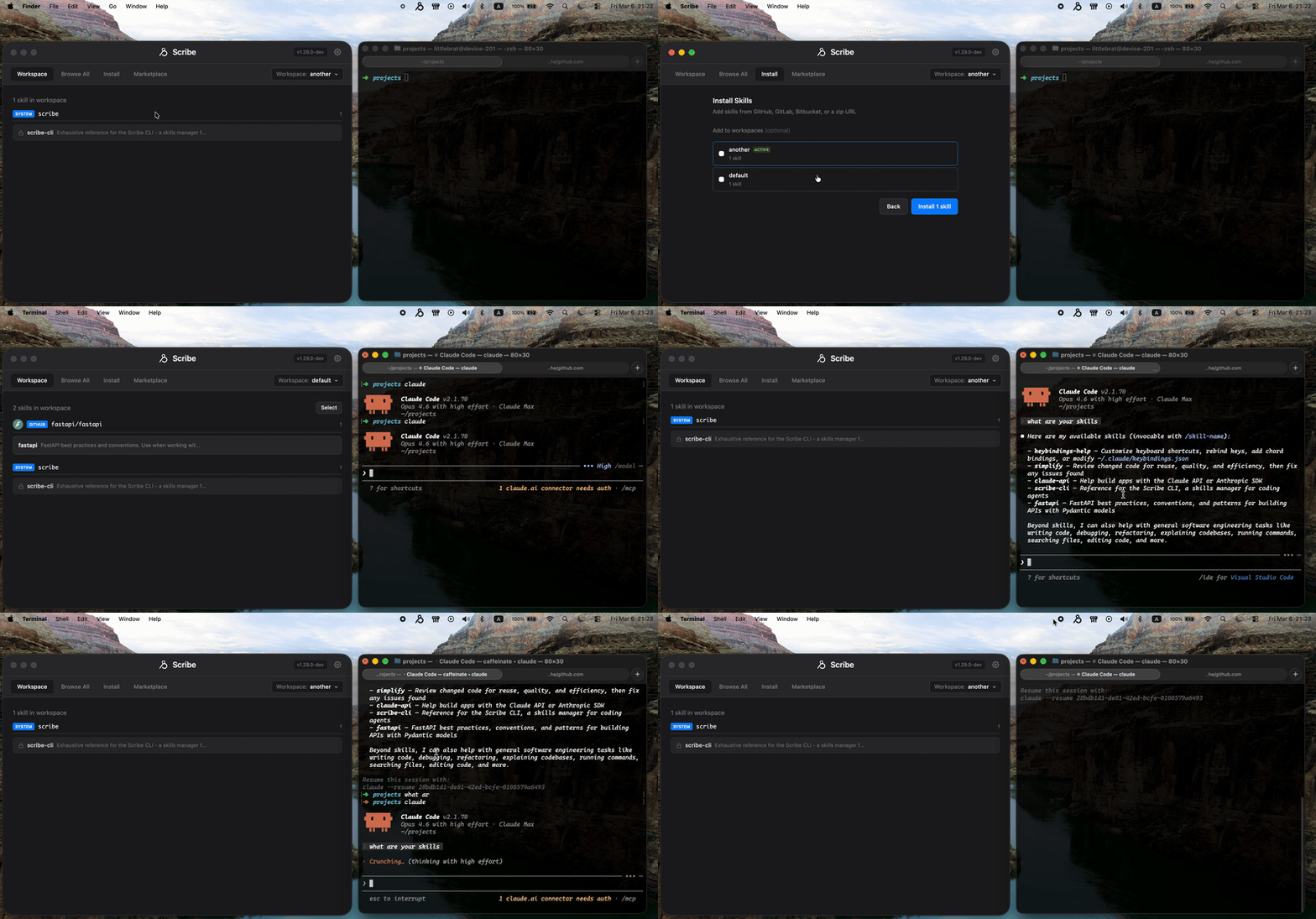
Manage personal and team AI skills, push them to your favorite AI agent. Works with GitHub, GitLab, and Bitbucket — public and private repos. Single Go binary, no npm or JS needed.
Distributes skills to all your agents
How It Works
From zero to synced agents in three steps.
Install Scribe
One command. Scribe detects your OS and installs the binary.
Run the Setup Wizard
Scribe auto-detects your installed agents, imports existing skills, and installs a demo skill.
Install Skills
Use the CLI, the desktop app, or the marketplace. Scribe syncs everything to all your agents via symlinks.
Why Scribe?
A standalone binary that just works. No runtime, no telemetry, no surprises.
39 Agents, One Command
Install a skill once and Scribe symlinks it to every agent you have — Claude Code, Cursor, Copilot, Cline, Windsurf, and 34 more.
No Electron, No Bloat
Standalone Go binary using your system webview — not a 200 MB Electron wrapper. No Node.js, no npm, no Python. Runs offline.
Workspaces
Organize skills into named sets like "web-dev" or "data-eng" and switch between them instantly.
Private Repositories
Automatic credential resolution via git credential helpers and SSH agent. GitHub, GitLab, Bitbucket, local paths, zip URLs.
Desktop GUI
Vue 3 app with a skill browser, workspace manager, and install wizard. Paste npx commands directly — Scribe parses them automatically.
Zero Telemetry
Scribe collects nothing. No analytics, no tracking, no phone-home. Fully open source under MIT license.
Powerful CLI
Install from GitHub, GitLab, Bitbucket, local paths, zip URLs, or SSH. Manage workspaces, check for updates, and more.
Ready to Get Started?
One command to install. First-run wizard guides you through the rest.